BlogPublished October 27, 2026 · 7 min read
ChatGPT Ads Conversion Tracking: OpenAI Pixel and Conversions API Setup
How to track ChatGPT Ads conversions with the OpenAI Measurement Pixel and Conversions API, including events, oppref, deduplication and attribution.

Founder, Big Hint
Contents
If you can't see which ChatGPT ads turn into leads, sales or booked calls, you're optimizing on clicks and guesswork. Conversion tracking fixes that, and since June 2026 it also unlocks conversion-optimized campaigns in Ads Manager.
OpenAI gives you two ways to send conversions: the Measurement Pixel, which runs in the visitor's browser, and the Conversions API (CAPI), which sends events from your server. Most advertisers should use both. This guide explains how each works, which events to send, and the mistakes that make conversions disappear.
Pixel vs Conversions API: which do you need?
| Measurement Pixel | Conversions API | |
|---|---|---|
| Runs in | The visitor's browser | Your server |
| Best for | Website actions: form fills, sign-ups, purchases | Actions that happen later or offline: booked calls, closed deals, phone sales |
| Setup | A script in your site's <head> | A server-side integration with an API key |
| Weak spot | Ad blockers, consent choices and browser restrictions can stop events | You must capture and pass the click reference yourself |
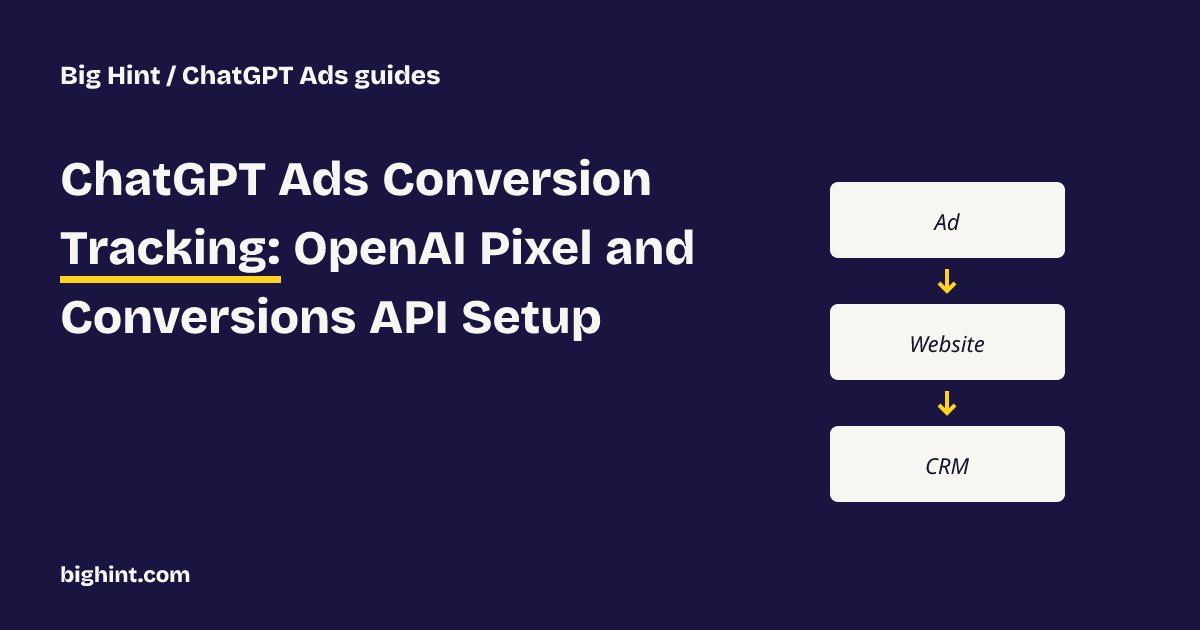
My recommendation: install the Pixel for on-site actions, and add the Conversions API for anything that happens after the visitor leaves your site. For lead-generation businesses, that second part is where the real value is: a form fill is a lead, but a booked call or signed client is the result you actually pay for.
How the Measurement Pixel works
You add OpenAI's snippet to the <head> of every page you want to measure, initialize it with your Pixel ID from the conversions tab in Ads Manager, then call measure when something happens. In OpenAI's Measurement Pixel docs, the calls look like oaiq("init", { pixelId: "..." }) and oaiq("measure", "lead_created", ...).
Three things the Pixel does for you automatically:
- Captures
oppreffrom the landing page URL. This is OpenAI's click reference, the thing that ties a conversion back to an ad click. - Stores it in a first-party cookie (
__oppref) for 30 days, renewed whenever a new click arrives. - Adds the page URL and a timestamp to each event.
One thing it does not do: send page views on its own. If you want them, send page_viewed yourself.
How the Conversions API works
The Conversions API is a server-to-server request to OpenAI with your Pixel ID and a Conversions API key. You send events in batches of up to 1,000. Every event needs an id, an event type, a timestamp_ms and an action_source such as web, phone_call or offline. The full spec is in OpenAI's Conversions API docs.
Two rules that trip people up:
- The 7-day limit. An event's timestamp must be within the last 7 days and no more than 10 minutes in the future. If a lead books a call 10 days after clicking, you can't backfill it later. Send outcomes as they happen.
- One bad event fails the batch. If any event in a batch is invalid, the whole batch is rejected. Validate before sending; OpenAI supports a
validate_onlycheck for this.
Pass the click reference
The Conversions API does not capture oppref for you. Your site has to keep it from the landing page URL (or the __oppref cookie) and store it with the lead in your CRM. Then you include it when you send the conversion later. OpenAI is explicit: never invent an oppref and never reuse another visitor's.
Hash customer details correctly
You can also send customer details to help matching, but only as SHA-256 hashes. OpenAI's normalization rules matter:
- Email: trim spaces, lowercase, then hash.
- Phone: keep the country code, remove spaces, brackets, dots, dashes, any leading
+and leading zeros, then hash. - Send the result as a lowercase 64-character hex string. Never send raw emails or phone numbers.
Check your OpenAI Pixel before your campaign goes live.
Which events to send
OpenAI's standard events include:
| Event | Use it for |
|---|---|
lead_created | A form fill, quote request or inquiry |
appointment_scheduled | A booked call, consultation or visit |
order_created | A completed purchase |
checkout_started | Someone starting checkout |
registration_completed | An account sign-up |
trial_started / subscription_created | Software trials and paid plans |
page_viewed, contents_viewed, items_added | Browsing and cart activity |
custom | Anything else (but custom events can't be used as optimization goals) |
For a service business, the pair that matters most is lead_created from the Pixel and appointment_scheduled from your CRM through the Conversions API. That lets you see both cost per lead and cost per booked call.
Don't double count: deduplication
If the same action is sent by both the Pixel and the Conversions API, OpenAI keeps the first one it receives and ignores the duplicate, but only if three things match: the Pixel ID, the event name, and the event ID (event_id in the Pixel, id in the API).
So generate one event ID when the action happens, use it in both places, and reuse it on retries. Use a new ID for each different action.
How attribution works
- Click-through conversions use the click window you configure.
- View-through conversions use a fixed 1-day window after an eligible ad impression.
- If a conversion qualifies as both, the click wins.
In Ads Manager, the Conversions column includes view-through conversions only when the view-through window is set to 1 day. Set it to 0 days and you'll see click-through conversions only.
Expect a delay: OpenAI says attributed conversions can take about 24 to 48 hours to appear, and recent numbers can shift while they process.
Consent and privacy
The Pixel has a consent switch. Call oaiq("consent", false) before initializing, then oaiq("consent", true) once a visitor agrees. While consent is off, nothing is sent and blocked events aren't replayed later. Turning consent off also removes the Pixel's cookies. If your site uses a cookie banner, connect it to this switch, and mention OpenAI's Pixel in your privacy policy.
Five tracking mistakes to avoid
- Counting page views as conversions. A thank-you page view isn't a sale unless it only loads after one.
- Trusting your tag manager's "fired" message. Check the actual network request, or use the Pixel's debug mode.
- Using the wrong key. The Conversions API key sends events. The separate Advertiser API key is for managing campaigns and reporting.
- Losing
opprefbefore the lead reaches your CRM. Without it, later booked calls are much harder to credit to an ad. - Sending outcomes too late. After 7 days, the event can't be sent. Push booked calls and sales to OpenAI as they happen.
A setup checklist
- Get your Pixel ID and Conversions API key from the conversions tab in Ads Manager.
- Install the Pixel on every page and send
lead_created(ororder_created) on the real success action. - Connect the Pixel to your cookie consent banner.
- Save
opprefwith every lead in your CRM. - Send
appointment_scheduledand later outcomes through the Conversions API within 7 days, with hashed email or phone. - Use the same event ID in the Pixel and the API for the same action.
- Check that events arrive, then wait 24 to 48 hours before judging the numbers.
From conversions to decisions
Tracking tells you that a conversion happened. The harder question is which part of your campaign produced it at a cost you can live with. That's what Big Hint is built for: it connects ChatGPT Ads to the leads and booked calls in your CRM, so you see what each booked call costs by campaign, ad group and context hint, and what to change next.
Sources
- OpenAI Developers: Measurement Pixel
- OpenAI Developers: Conversions API
- OpenAI Help Center: Troubleshooting conversion tracking for ChatGPT Ads
- PPC Land: OpenAI's ChatGPT ads are getting conversion optimization (May 30, 2026)
Last reviewed October 27, 2026. ChatGPT Ads tracking is changing quickly; check OpenAI's docs before you implement.
About the author
Mike Zagare is the founder of Big Hint. He created PPC Entourage, the Amazon advertising software company acquired by Carbon6 in 2021, after managing more than $50 million in ad spend.
Big Hint early access
See which ChatGPT ads book calls
- Connects ChatGPT Ads to your CRM (GoHighLevel or Zapier)
- Compares ad groups on leads and booked calls, not just clicks
- Founding rates for the first agencies and brands
Related posts
ChatGPT Ads Context Hints: The Complete Guide (2026)
What ChatGPT Ads context hints are, how they differ from keywords, how to write and organize them, and how to measure what works.
Cost Per Booked Call: How to Measure It for ChatGPT Ads
How to calculate cost per booked call for ChatGPT Ads, set a target you can afford, and avoid the mistakes that make the number lie.